Matic Magister
May 10, 2026

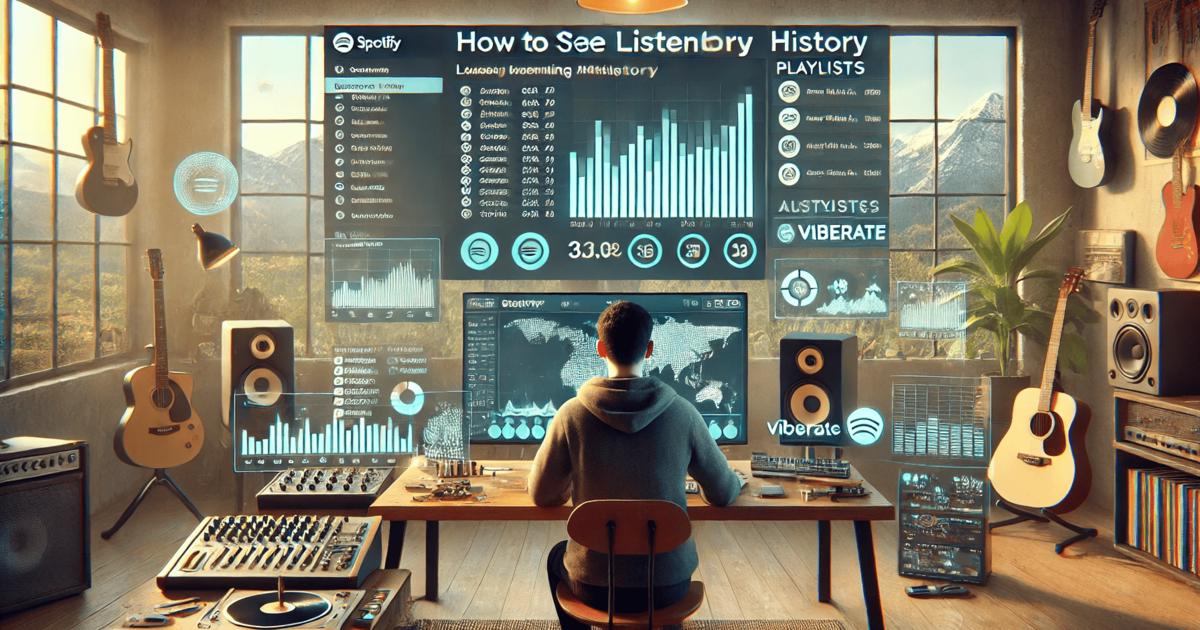

Spotify has become a core platform for artists, labels, managers, and promoters who want to understand how music performs in real time. Every play, follow, and playlist add creates a data point that can guide smarter decisions. For professionals, Spotify analytics is not just about curiosity. It is about measuring audience growth, tracking the impact of releases, and spotting early signals of momentum. Before looking at large-scale performance data, it often helps to start with something simple: your own listening history. Knowing how to access it on desktop is useful for reviewing what you played recently, but it also shows how Spotify organizes playback data at a basic level.
To see your listening history on the Spotify desktop app, click the Queue icon with three horizontal lines in the bottom-right corner of the player. In the panel that opens, select the "Recently played" tab at the top. This shows your most recent tracks in order of playback.
This feature works only in the desktop app, not in the web player. It also displays roughly the last 50 tracks played on that specific device, so it does not provide a complete long-term archive of your listening behavior. Still, it is useful for retracing what you listened to during a session, checking songs you may want to save, or revisiting a playlist or album you forgot to follow.
For music professionals, this small function reflects a bigger idea. Spotify tracks activity constantly, and those signals are part of what feeds larger performance metrics. While personal history is limited, artist-level and song-level analytics reveal much more about how listeners engage with music over time.

If you want to go beyond basic playback history and truly understand what is happening on Spotify, Viberate provides a broader view of the platform. It offers Spotify analytics for more than 11 million artists, with professional-grade stats at an accessible price point. The system is similar in concept to Spotify for Artists, but it is built for industry professionals who need to analyze not just one profile, but the entire ecosystem.
With Viberate, you can study monthly listeners, followers, playlist placements, and streaming performance for every musician releasing on Spotify. This makes it possible to compare artists, monitor trends, and evaluate growth without being limited to accounts you manage directly. It is also useful for scouting talent, planning campaigns, and validating performance claims.
All core Spotify metrics are gathered into one environment. You can track monthly listeners and song performance over time, which helps you understand whether an artist is building momentum or losing attention. Audience geolocation data shows where listeners are based, allowing promoters and managers to adapt marketing strategies and plan tours or releases in markets where the music already resonates. Playlist analytics reveal which playlists are driving streams and where new exposure might come from.
Charts are another key layer of insight. By filtering rankings by country, genre, or trend status, you can identify artists who are gaining traction in specific scenes. This is particularly useful for talent discovery, where early movement on Spotify can signal future breakout potential.
One of the most practical tools in Spotify analytics is the monthly listeners tracker. This feature lets you see an artist’s monthly listeners history and compare it with the industry average. Alongside this, follower data shows how the fanbase evolves over time. Together, these indicators help distinguish between short-term spikes and sustained growth.
Viberate also analyzes all Spotify songs in one place. Every track is ranked by performance, and users can filter songs by release date or sort them by all-time streams, 12-month streams, 1-month streams, or 7-day streams. Songs are playable directly within the section, which makes it easier to connect raw numbers with actual listening context. This is especially helpful when assessing catalog performance or evaluating which tracks deserve further promotion.
Playlist analytics completes the picture by showing how songs circulate across Spotify’s curated and user-generated playlists. By identifying where tracks are placed, professionals can estimate reach and determine which playlists are worth targeting for future releases. This approach shifts playlisting from guesswork to data-supported planning.
Another important dimension of Spotify analytics is the relationship between streams and listeners. Viberate shows overall stream counts with performance highlights and adds ratios such as listener-to-follower and streams-to-listener. These indicators provide context. A high listener count with low follower growth may suggest passive exposure, while a strong streams-to-listener ratio can point to loyal and engaged fans.
Audience location data answers a critical question: where are the monthly listeners coming from? Viberate maps listener distribution across cities and countries, making it easier to see where an artist is strongest. This information can guide promotion strategies and help decide where live shows or regional campaigns make sense. For example, an artist with unexpected traction in a specific country can focus marketing efforts there instead of spreading resources evenly across regions.
This level of geographic insight is not available through simple playback history. It requires aggregated Spotify data, analyzed over time, and structured so that patterns become visible. For professionals, this means fewer assumptions and more evidence-based decisions.
Spotify analytics is also valuable for collaboration planning. By comparing artists with similar audiences and musical styles, Viberate helps identify potential partners for joint releases, remixes, or live events. Sorting artists by monthly listeners and shared fanbase characteristics creates a shortcut to finding suitable collaborators instead of relying only on subjective taste or personal networks.
Charts that combine Spotify rankings with other performance indicators offer an overview of who is moving up and who is stabilizing. Because these rankings are refreshed daily and can be filtered by genre, country, or popularity range, they support both short-term monitoring and long-term research. For labels and managers, this means spotting early-stage growth before it becomes obvious to everyone else.
Learning how to see history on Spotify desktop is a simple starting point. It shows what you have played recently and reminds you how Spotify organizes listening activity on a basic level. For professionals, however, real value comes from scaling that idea up to artist and market data. Instead of reviewing a personal list of tracks, you analyze millions of listeners and thousands of releases to understand patterns of success.
By connecting everyday Spotify usage with professional analytics, you move from personal observation to strategic insight. Tools like Viberate make this transition practical by turning raw Spotify data into structured information about streams, audiences, playlists, and rankings. That is what allows music professionals to plan releases, measure results, and make informed decisions in an environment where competition and content volume continue to grow.
To explore these capabilities in detail, visit how to see history on spotify desktop and see how Spotify analytics can support data-driven work across the music industry.
Source of music data: Viberate.com
-
📌 Viberate - Music Intelligence is the data & AI layer behind music analytics, connecting artist discovery, audiences, playlists, tracks, Spotify, TikTok, YouTube, streaming, and radio airplay.
 Next article
 Previous article
11M+ artists, 100M+ songs, 12M+ playlists, 6K+ festivals and 100K+ labels on one platform, built for industry professionals.