Matic Magister
Sep 25, 2026

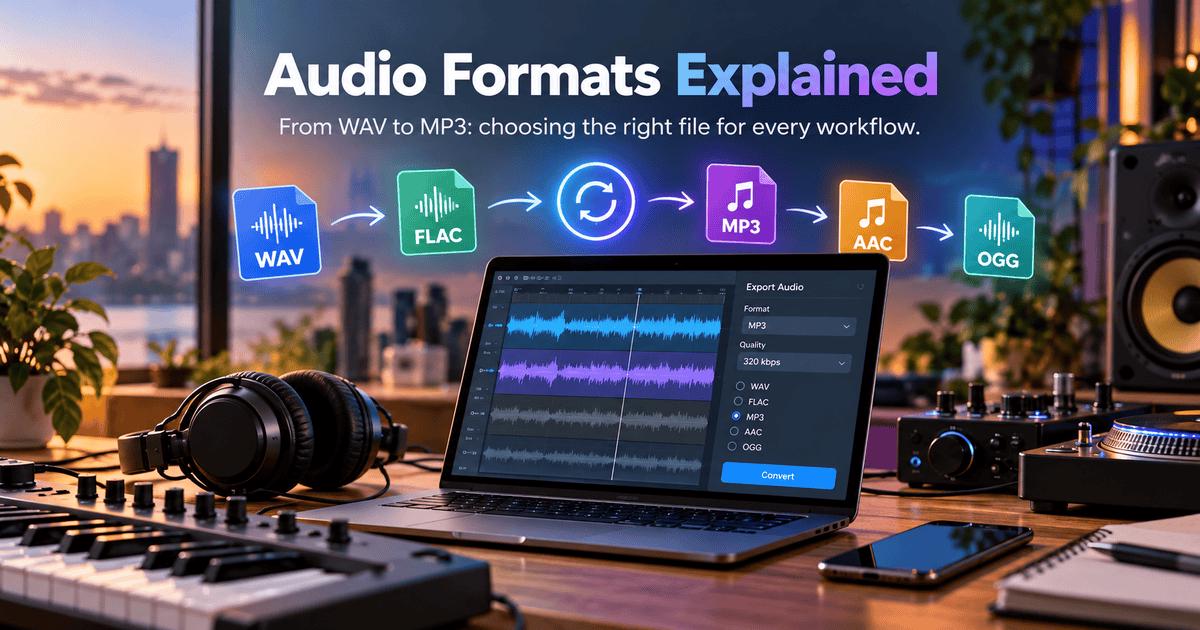

Music isn't trapped inside multi-million-dollar studios anymore. Honestly, most hits you hear on the radio today probably started on a second-hand laptop in someone's bedroom, a crammed home setup, or even a smartphone on a bus. It’s an incredible time to be a creator, but it brings one very specific headache: audio format chaos.
You finish a track, try to send a quick preview, and suddenly your client's phone rejects the file. Or worse, a DJ deck refuses to read your high-res audio minutes before a set. Between DAWs, streaming apps, and picky hardware, formats get messy fast. Knowing how these files actually work-and using an audio converter to fix compatibility issues on the fly-is what keeps your project moving.
When digital recording first came around, engineers used Pulse-Code Modulation (PCM) to turn live analog signals into raw numbers. That exact tech birthed WAV and AIFF-the original uncompressed giants of digital sound.
Back then, these formats were revolutionary because they captured every single detail of an acoustic performance. The bad news? They are huge. When music moved to the web, sending giant uncompressed tracks over slow connections was practically impossible. If you want to nerd out on how engineers solved these early mathematical encoding problems, check out the historical breakdown on Wikipedia.
To save bandwidth, developers built clever compression tricks, splitting the audio world into two distinct camps:
Lossless Audio Formats
Lossless compression squeezes file sizes down while keeping 100% of the original audio data intact. Decoding the file gives you an exact carbon copy of the studio original.
● WAV / AIFF: The studio heavyweights. Perfect for mixing and mastering because nothing gets stripped away, but they will fill your hard drive in no time.
● FLAC (Free Lossless Audio Codec): An open-source favorite among audiophiles. It cuts raw WAV file sizes roughly in half without sacrificing a single drop of quality.
Lossy Audio Formats
Lossy formats rely on psychoacoustics-basically tricking the human brain. The algorithm throws away quiet frequencies you can’t hear anyway, like a quiet tone hidden behind a massive snare hit.
● MP3 (MPEG-1 Audio Layer III): The legend that changed music forever. It chops heavy audio into tiny, shareable pieces.
● AAC (Advanced Audio Coding): Built as the modern successor to MP3. AAC sounds noticeably cleaner at lower bitrates and runs natively across Apple devices and major online platforms.
No matter how organized you think you are, technical walls happen. You hit export, try to upload, and your platform throws an error because it only accepts MP3s. Or your vocalist sends an obscure FLAC file that your legacy DAW simply refuses to import.
When you're in crunch time, pausing your creative flow to install heavy desktop software or search for forgotten license keys is the last thing you want to do. Fast browser tools solve this problem instantly.
Convertio allows you to transform music files into dozens of formats directly in the browser without software installation. Because cloud servers do all the heavy lifting, you can process giant audio files in seconds without bogging down your computer's RAM.
● Quick Tip on Transcoding: Converting a low-quality MP3 into a WAV file won't magically make it sound better. The file container gets bigger, but the lost audio detail is gone for good. Always build your exports from the original master file!
A messy file system will eventually ruin a good project. Following these simple, real-world rules keeps your work safe:
● Never Throw Away Your WAV Masters: Always archive your raw multitracks and full-quality exports. Having pristine masters means you can re-export your music for any future platform without losing quality.
● Watch Your Bitrates on Export: If you must use MP3 or AAC, pick the right bitrate. For client demos or public releases, 320 kbps (CBR) is the sweet spot between small file size and clear sound.
● Clean Up Your Metadata: Before sending tracks around, double-check your ID3 tags. Make sure song names, artist credits, and artwork are correctly embedded so media players don't display "Track_01_final_v2".
● Use Clean Processing Pipelines: Make sure your conversion tools handle sample rate changes properly. Good software prevents weird digital artifacts, clicks, or phase issues from messing up your mix.
Dealing with audio formats shouldn't feel like rocket science. Once you understand the trade-offs between uncompressed, lossless, and lossy files, picking the right option becomes second nature. Keep your raw masters safe on a hard drive, use fast online converters when quick compatibility fixes pop up, and keep your focus where it actually belongs-on making great music.
Source of music data: Viberate.com
-
📌 Viberate - Music Intelligence is the data & AI layer behind music analytics, connecting artist discovery, audiences, playlists, tracks, Spotify, TikTok, YouTube, streaming, and radio airplay.
 Next article
 Previous article
11M+ artists, 100M+ songs, 12M+ playlists, 6K+ festivals and 100K+ labels on one platform, built for industry professionals.