Matic Magister
Jun 24, 2026

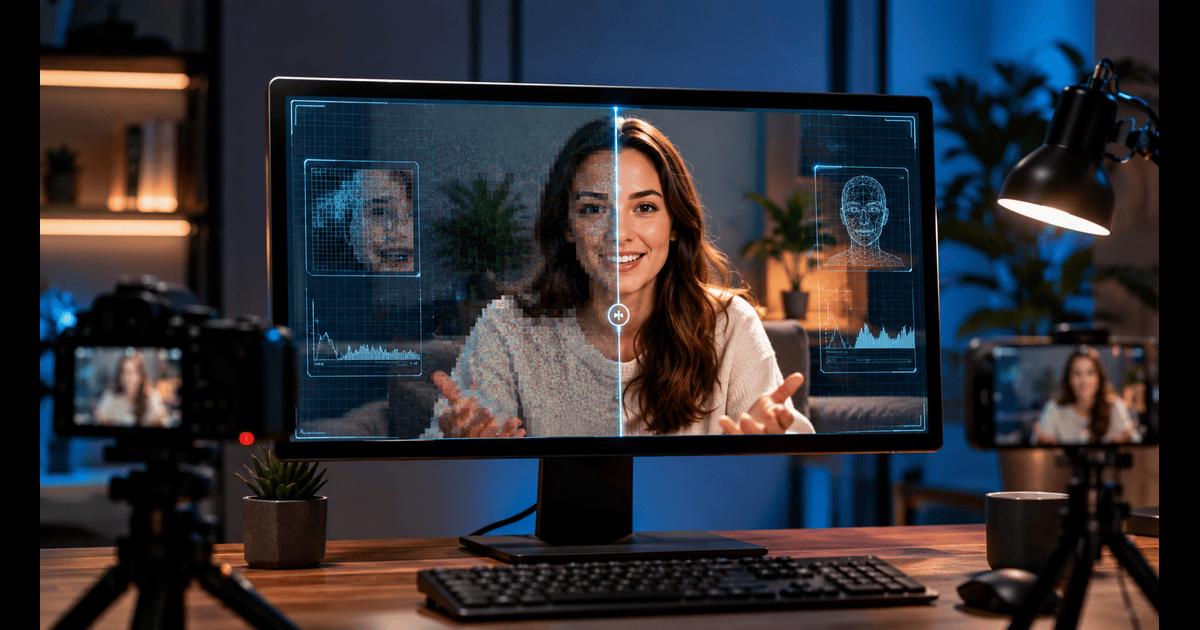

Introduction
Some newbie YouTubers get irritated if their videos turn out badly, and therefore their content appears unprofessional. The common issues mostly revolve around fuzzy pictures, low-resolution images, pixelated visuals, not enough lighting, and video compression artifacts. All these factors can lower the overall video quality and the viewer's experience.
It is not always feasible for new creators to buy professional, expensive cameras, and a bad quality of video can impact the watch time, audience trust, and the number of subscribers. Fortunately, AI video enhancement software is now capable of increasing the quality of poor footage in a short time, even for beginners with little or no knowledge of editing.
In this article, we look at ways AI tools can be used to help improve the quality of raw video footage from amateur YouTubers and turn it into professional, ready-to-upload content.
Why Video Quality Matters on YouTube
A major factor why good video quality matters on YouTube is that viewers usually make up their minds within the first few seconds of seeing a video. Clear and crisp pictures generate a more powerful initial impact.
Since YouTube further compresses videos, it may additionally deteriorate the quality of footage by making it even more blurry and noisy. The main causes of poor quality are old smartphones, webcam recordings, low-light filming, screen recordings or downloaded clips. This is one of the reasons that even very good content requires visually good quality footage to hold the audience.
What Is AI Video Enhancement?
AI video enhancement allows artificial intelligence to play a role in improving the quality of low-resolution or poorly recorded videos. Instead of manually adjusting the settings, AI examines every frame, reconstructs the missing details, and therefore generates a sharper and more polished-looking video.
They can significantly improve your photos or videos by adjusting parameters like sharpness, brightness, clarity, and resolution. In many cases, it is as simple as pressing a button. Normally, editing to this extent takes skills and time, but AI takes care of the major corrections automatically, so creating content will be easy for beginners who want to make their workflow faster and don't want to spend on professional software or gain technical knowledge.
Introducing Vmake Video Enhancer
Vmake Video Enhancer is an AI-driven application that can convert your poor-quality video into a high-resolution one with a professional look with a simple click. You can upscale your videos to 2K, 4K, and AI 4K+ levels, while at the same time allowing the tool to work on making your image sharper, clearer, and smoother in motion, plus visually more pleasing overall for all kinds of content.
This video quality enhancer operates by deeply analyzing the video frame by frame, and then it uses powerful enhancement models such as portrait restoration, low-light repair, gameplay optimization, and animation enhancement to do its magic. The users only need to upload their videos, allow the AI to work on it, and then download the version that is now better. This feature makes it very convenient for creators, marketers, gamers, and even businesses as they get to enjoy their high-quality videos with very little time and no complicated editing steps.
Enhance a Low-Quality YouTube Video with Vmake | Real Test Results — Before and After Using Vmake
Step 1: Upload your YouTube video footage
Drag, or click “Upload video” to add your low-quality video from your device. Vmake handles all main formats like MP4, MOV, M4V, 3GP, and AVI, so you can easily work with any YouTube clip or raw recording.
Step 2: Automatic AI Enhancement
Vmake assesses your video as soon as you upload it and picks the most suitable enhancement model automatically. Besides that, you can go for 2K, 4K, or AI 4K+ for hi-fi upscaling yourself. You can choose different YouTube content modes like Portrait, Product, Low-Light, Gaming, and Anime.
Step 3: Download your enhanced YouTube-ready video
Look at the up-to-date version of the video, choose the output format you like the most, and download your final video. Your low-quality video clip has been upgraded to a high-resolution, sharp, YouTube-ready video after only one export.
Using AI Upscaling for Higher Resolution YouTube Uploads
To upscale a video means changing its resolution to a higher one with the help of AI video reconstruction rather than just stretching the video. AI adds the missing pixels intelligently, removes the noise, recovers the details, and as a result, the poorer quality video looks much clearer and more professional.
Why 4K uploads matter on YouTube
When uploading to a higher resolution, such as 4K, YouTube can give a higher bitrate, making playback quality better, less compression loss, and cleaner images on all devices. It is the perfect solution for video creators who are reusing old or low-resolution footage.
How Vmake's 4K upscaler helps
Using the Vmake AI 4K Video Upscaler, low-resolution videos can be transformed into high-resolution ones as it uses AI processing via the cloud to sharpen, restore, and enhance each frame continuously. You only need to upload MP4, MOV, AVI, or 3GP files, select the output level 1080P, 2K, or 4K, and then download the enhanced version after previewing it.
The tool can also perform batch processing, and since it works straight from the browser, it becomes very fast and easy for YouTube creators, even for those without experience.
Best Practices for Enhancing YouTube Videos
Begin with the best footage:
AI enhancement can magnify the quality of the original video, so having decent clarity is a must. If the source video is almost pitch black or has severe artifacts, even the smartest tools will have a hard time uncovering details completely.
Don't overwork your video
Excessive usage of sharpening or other enhancements may lead to a video that looks artificial or 'too AI-made.' The key is not to overdo it while ensuring the result is still visually natural and easy on the eyes.
Boost lighting while filming
Proper lighting drastically enhances AI-powered results. Even minor adjustments of light and exposure during shooting can assist enhancement software in achieving clearer and sharper details.
Select accurate YouTube export settings
For the highest quality upload, save your videos in 1080p, 1440p, or 4K resolutions using a high bitrate. Doing so will help you get around the problem of YouTube drastically compressing your videos and reducing their quality.
Common Mistakes Beginners Should Avoid
Conclusion
Several AI tools help creators to easily enhance their video quality from low-quality footage to professional YouTube-ready videos without the need for expensive equipment and advanced editing skills.
Vmake AI Video Enhancer and Upscaler is one of the handy tools that can quickly produce 2K, 4K, and AI-enhanced outputs with just a few clicks. It is web-based, delivering outputs on the fly. It is one-click processing, scene-specific models, and high-quality restoration features that help content creators to quickly and consistently upgrade their content.
Source of music data: Viberate.com
-
📌 Viberate - Music Intelligence is the data & AI layer behind music analytics, connecting artist discovery, audiences, playlists, tracks, Spotify, TikTok, YouTube, streaming, and radio airplay.
 Next article
 Previous article
11M+ artists, 100M+ songs, 12M+ playlists, 6K+ festivals and 100K+ labels on one platform, built for industry professionals.