Matic Magister
Oct 5, 2026

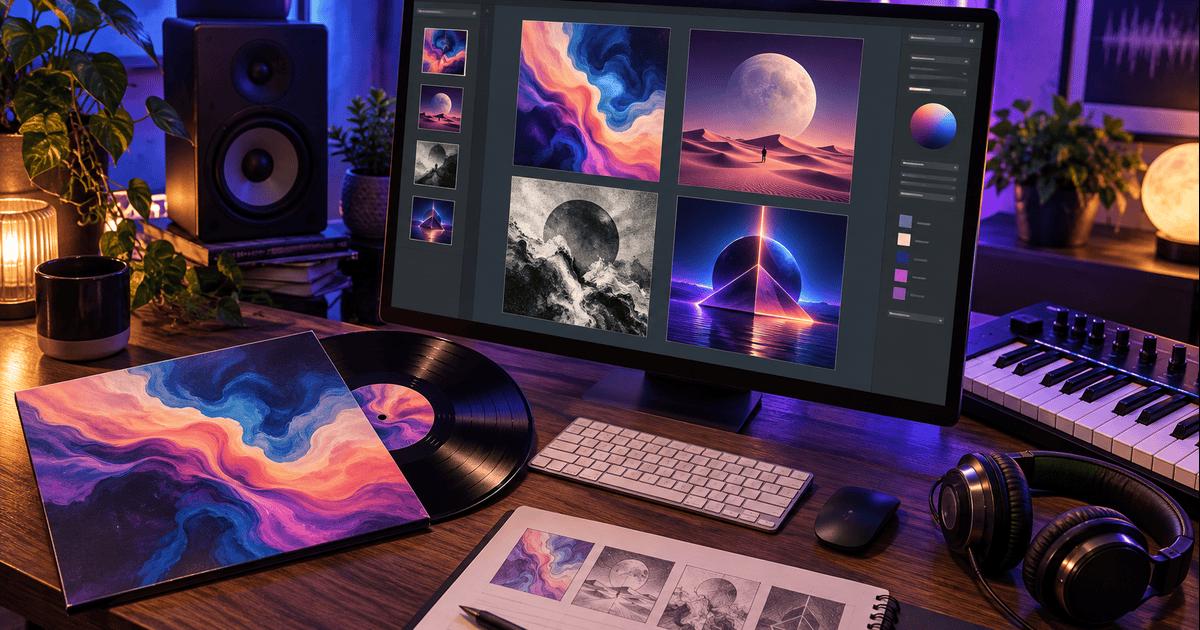

You poured heart, late nights, and probably a few coffee refills into the tracks. Now you need a cover that earns an instant tap, not a rejection email.
Eye-catching art alone won't get your music onto Spotify or Apple Music. Every distributor scans the file first. If it flunks on size, color mode, or a sneaky QR code, your release stalls before the first stream. DistroKid's artwork requirements, for example, ask for a square image of at least 1,000 × 1,000 pixels with no URLs or promotional logos.
AI generators can get you most of the way there, but they are not equal. Some output perfect squares with clear commercial terms; others leave you resizing, re-licensing, and re-uploading the night before release day. Even with the right tool, you still do a final double-check of pixel dimensions, RGB color, and every letter of your artist name.
How We Ranked Them
We did not eyeball pretty pictures. We started with the hard rules every distributor publishes. If a generator could not deliver a square image that passes the pixel, color, and content bans set by Spotify, Apple, DistroKid, TuneCore, and CD Baby, it never made the list.
From there we weighted five factors, each one tuned to a real release timeline. Compliance potential carried the most weight at 35 percent. Clear, written commercial-use terms followed at 25 percent, because owning nothing is not an option. Music-specific workflow perks, such as genre presets, video tie-ins, or instant campaign reuse, earned 15 percent. Native or export resolution ranked next at 15 percent, and prompt plus manual-editing control filled the final 10 percent.
Commercial permission alone does not hand you automatic copyright. The U.S. Copyright Office reaffirmed in January 2025 that protection only attaches when a human makes meaningful creative choices; a prompt on its own is not enough.
Throughout, we compared notes with our guide on how to publish a song to keep every step grounded in release-day reality. No tool guarantees acceptance, so every file still needs your final inspection before you hit upload.
1. Neural Frames
Think of Neural Frames as a cover-art studio that already speaks fluent "release day." Its album cover maker greets you with 36 genre styles, so the vibe of your future listeners is baked in before you write a single prompt.
Every output lands as a square, high-resolution PNG that sails past Spotify's 640-pixel floor. You pick the mood, refine the look, and download a file that is ready for distributor inspection: RGB, crisp, and with no stray QR codes. Because the tool is built for musicians, it keeps its interface anchored on album art, not generic posters, which spares you the guesswork of resizing or cropping.
Commercial use is clear-cut. You can splash the image across streaming platforms, merch, or press kits without chasing attribution clauses. And when the single needs motion, the same visual theme jumps into a Neural Frames audio-reactive video, locking artwork and promo assets into one cohesive universe.
Do a quick final pass before upload. Confirm that the pixel dimensions match your distributor's sweet spot and zoom the image down to thumbnail size to check legibility. If you generated lettering, verify every character against your metadata; a mistyped accent mark still triggers rejection. Small steps, big payoff: your music goes live on schedule, and your visual story stays in sync from cover to canvas.
2. Kittl
Kittl feels like a designer sitting next to you, headset on, tweaking every pixel as you describe the cover in your head. Start by setting an exact artboard: 3,000, 4,000, or the full 10,800-pixel square available on Pro and higher plans. That ceiling means you walk away with print-ready files, not just streaming-safe ones.
Typography is Kittl's calling card. You arrange vector lettering, curve it, add shadows, and still keep everything editable. That control matters when a distributor rejects an AI-misspelled artist name or when the vinyl sleeve demands razor-sharp text at 300 DPI.
Rights come down to your subscription. Paid tiers grant full commercial use; the Free plan locks exports to 800-pixel previews and shifts ownership if you publish to Kittl's community. Keep unreleased work private, stay on a paid plan, and you own what you create.
Because Kittl blends AI images with template libraries, track every asset you drop in. If you mix in a stock illustration or a community template, its separate license still applies. That extra diligence keeps your cover and your merch line legally airtight.
Use Kittl when the artwork must scale from a streaming thumbnail to a 12-inch gatefold, or when the band logo needs to live on shirts, posters, and stage banners.
3. Canva
Canva is the Swiss Army knife of design for bands on a deadline. Fire up its AI image generator, pick a style that matches your sound, then drop the result onto a custom 3,000-pixel square canvas. Two clicks later you export an RGB PNG or JPG ready for any distributor's portal.
The magic is in the hand-off. Once the cover looks right, the same project lives on as social tiles, lyric-video thumbnails, or tour posters, all resized from one design. Your visual rollout stays consistent and your team never begs a freelancer for "one more resize."
Rights are straightforward but not uniform. AI outputs fall under Canva's commercial-use license, yet any stock photos, fonts, or illustrations you layer in carry their own rules. Treat each element like a sample clearance: read the fine print before you hit publish.
Canva's AI occasionally produces look-alike images, so uniqueness is never guaranteed. If your genre leans on iconography, such as a graffiti tag for hip-hop or a death-metal sigil, consider adding hand-drawn touches or custom typography inside Canva's editor to lock in originality.
Lean on Canva when you juggle music releases with merch drops, email banners, and festival flyers. It keeps everything in one dashboard, letting you focus on the mix instead of managing fifty PSD files.
4. Adobe Firefly with Adobe Express
Adobe built Firefly to slot straight into a Creative Cloud workflow. You open the web app, type a prompt, and see results Adobe's own terms let you use commercially. When the spark hits, one click moves the image into Adobe Express, where you crop a perfect square, drop in artist and title text, and fine-tune colors in familiar Photoshop-style panels.
Adobe Firefly's prompt screen, where a cover concept starts before it moves to Express
Firefly's models lean toward photorealism and rich texture, great for folk, jazz, or alt-rock covers that need organic warmth. Express layers let you drag in vectors, shapes, or your band's logo, all while keeping elements separate for future merch designs. Because everything lives in the same cloud, your art director can nudge the typography while the drummer reviews the color grade, with no file-sending needed.
The catch? Firefly is not music-specific. It will happily give you a rectangle or a CMYK palette if you forget to set the canvas, so double-check dimensions and color mode before export. And while Adobe's license is generous, it does not clear any third-party images or fonts you upload; keep receipts for every asset.
Use Adobe Firefly with Express when your team already pays for Creative Cloud, values granular layer control, and plans to repurpose the cover into posters, lyric videos, and press-kit headers without switching tools.
5. Ideogram
If your cover lives or dies on type, Ideogram deserves a test drive. The generator's real party trick is accurate wording baked right into the image. Request neon script, gothic blackletter, or glitchy sans and you get legible in-image text instead of the usual AI gibberish. For pop, techno, and minimalist hip-hop sleeves where the title carries the concept, that accuracy shaves hours off post-production.
Base renders come in a 2K square, and a built-in enhancer bumps resolution when you need more pixels. The upscaler respects sharp edges, so thin strokes in a logo survive the upgrade instead of melting into blur. As always, zoom in and proof every character; one stray apostrophe can still tank a distributor submission.
Ideogram's terms leave ownership with you and permit commercial use across digital and print. That's refreshing, but do not confuse permission with safety. Generated lettering could echo a famous brand, and similarity still triggers takedowns. When absolute precision matters, drop the art into your editor of choice and replace the AI text with a licensed typeface.
Ideogram shines when the music's identity hinges on typography: think synth-wave albums with towering 80s headlines or acoustic EPs that call for hand-drawn charm. Use it to nail the title, then layer in finishing touches elsewhere for a cover that reads as loudly as it looks.
6. OpenArt
OpenArt is the sandbox for big visual experiments. Spin up ten variations of a concept, pick the keeper, then run the built-in upscaler to hit even the most demanding print spec. The enhancer rebuilds edges instead of stretching pixels, so brushstrokes stay sharp when you zoom in.
OpenArt's creation platform, built for fast iteration on visual concepts
Commercial terms switch on with a paid tier, and OpenArt makes no ownership grab. Save proof of your plan level and keep the invoice handy; a distributor or merch vendor may ask. Free users can still test ideas, but the rights wall blocks any real release, so budget for at least one month of a paid plan before launch.
Because the tool prizes control, it throws an ocean of settings at you: sampling methods, style presets, reference images, and prompt weighting. That freedom thrills art directors but can overwhelm a first-time DIY artist.
Always inspect the final upscaled file. Sometimes the AI redraws faces or adds phantom artifacts during enlargement. Scan for unexpected logos, warped text, or uncanny hands. Catch issues now and you avoid a last-minute scramble when TuneCore kicks back the artwork.
Choose OpenArt when the vision is ambitious, such as a surreal collage, a hyper-real portrait, or an intricate fantasy scene, and you want room to iterate before locking the master file.
7. Midjourney
Midjourney is where wild concepts turn into scroll-stopping visuals. Available through its web app and Discord, it understands moody lighting, niche art movements, and genre mash-ups, so a single prompt can evoke shoegaze haze or cyberpunk rage in seconds.
Square images start at 1,024 pixels by default, and the upscaler doubles that to a clean 2,048-pixel image. That clears every published minimum, though you will fall short of the 3,000-pixel sweet spot some distributors recommend. If you need bigger, upscale again in an external tool before you add text.
Companies with more than one million dollars in annual gross revenue must be on a Pro or Mega plan under Midjourney's terms, so keep accounting in sync with legal. Either way, save a copy of the terms alongside your WAV masters.
Midjourney does not handle typography well. After you lock the art style, open the image in an editor and set artist and title text manually. Match the font to your genre and make sure the file stays RGB, not CMYK.
Use Midjourney when the music calls for striking, painterly imagery and you are comfortable finishing the technical details elsewhere. It is the idea engine, not the final assembly line.
Final Check Before You Upload
The right generator gets you a strong concept fast, but release day still belongs to the details. Before the file goes to your distributor, open it at full size and confirm three things: a true square at the resolution your distributor asks for, RGB color, and text that matches your metadata letter for letter. Then shrink it to thumbnail size and ask whether a stranger scrolling a playlist would still read the title.
Keep a folder with the final artwork, the tool's license terms, and receipts for any stock or font you added. If a store questions the cover months later, you will have the answer ready. Once the release is live, watch how the single performs across platforms and let the numbers tell you which visual direction to carry into the next drop.
Source of music data: Viberate.com
-
📌 Viberate - Music Intelligence is the data & AI layer behind music analytics, connecting artist discovery, audiences, playlists, tracks, Spotify, TikTok, YouTube, streaming, and radio airplay.
 Next article
 Previous article
11M+ artists, 100M+ songs, 12M+ playlists, 6K+ festivals and 100K+ labels on one platform, built for industry professionals.